
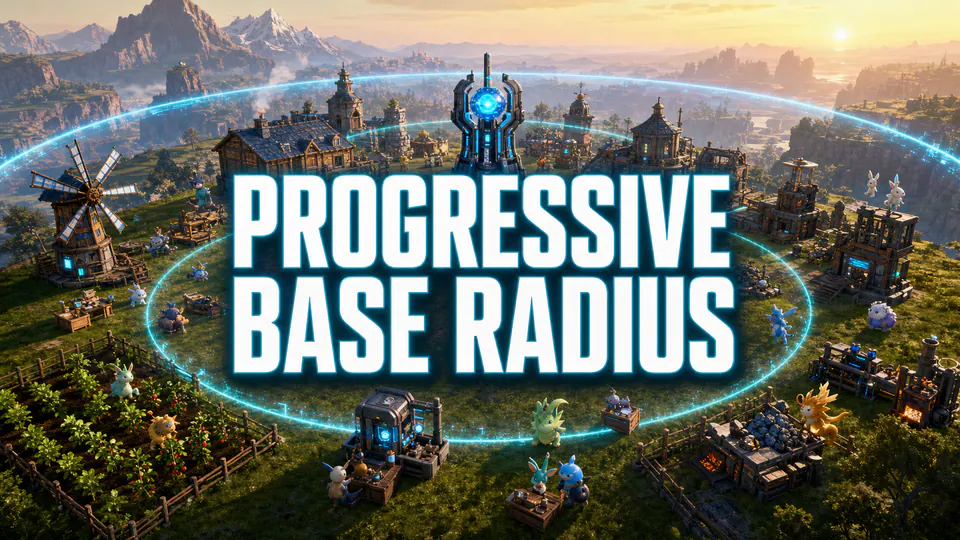
Progressive Base Radius
Source-listedStart at the vanilla base size, then expand the radius as the base develops.
Palworld 1.0UE4SSServerBuildingGameplay
Source checked Aug 12, 2026 · PalModsPalworld 1.0 directory
Base radius, storage, production and construction-focused Palworld mods.
Start at the vanilla base size, then expand the radius as the base develops.
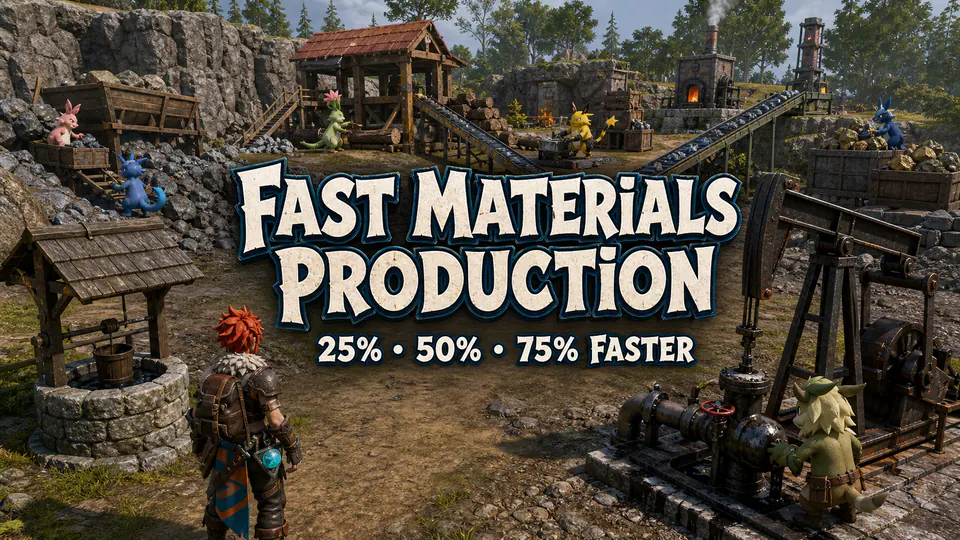
Reduce waiting time for common production tasks at a working base.

Expand chest and refrigerator storage for high-volume bases.
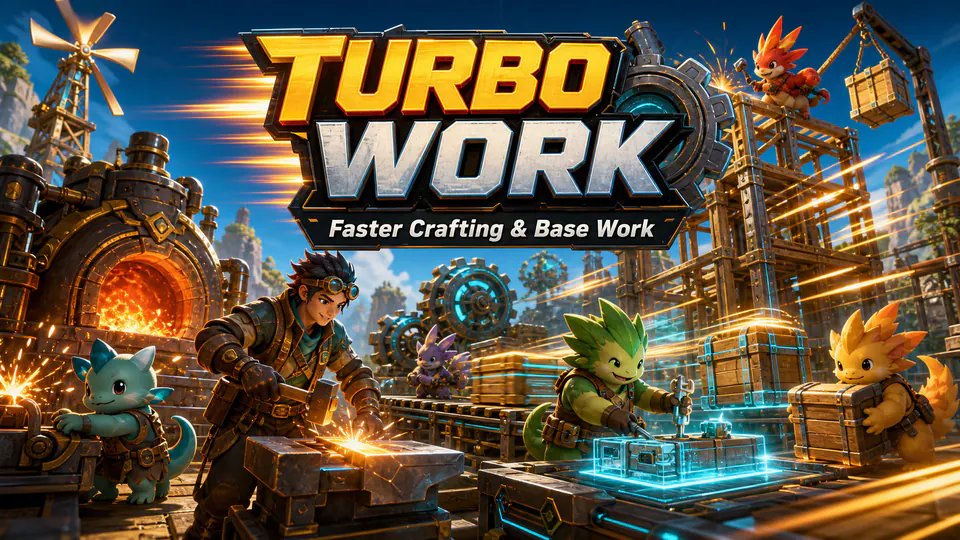
Speed up common Pal work cycles for faster base production.

Address frame-rate loss associated with building bases over water.
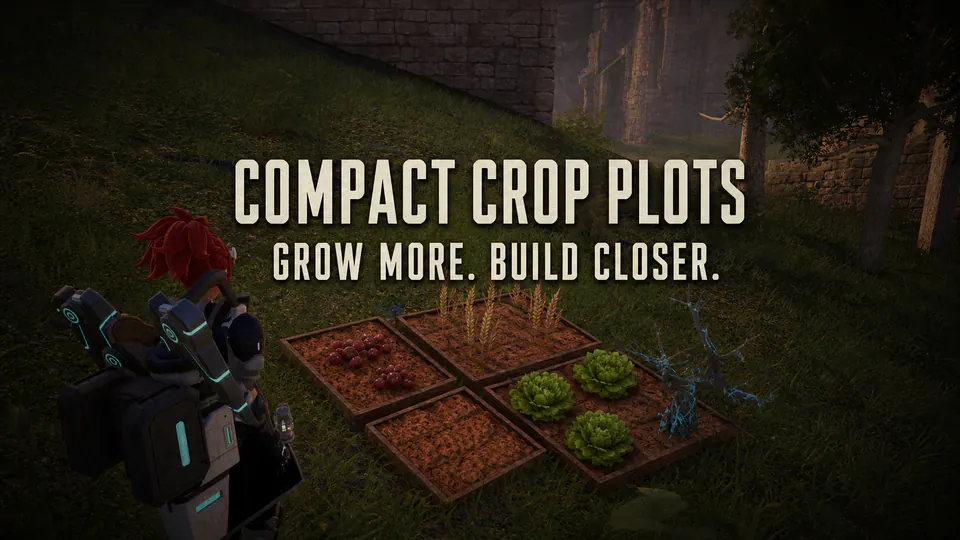
Shrink crop plots and plantations to compact Berry Plot dimensions while preserving recipes, work, growth times and yields.

Speed up melting tasks at furnaces with a focused PalSchema change.
Clear a filter or use a broader name or feature.
Selection and compatibility guide
Palworld building mods change base radius, storage, work speed, production capacity and construction-related performance. They are most useful for players managing large bases and administrators balancing shared production without losing save stability. A useful listing should make its purpose narrow enough to understand before installation and should identify its current source, format, version support and multiplayer side. Those labels reduce uncertainty, but they do not replace the publisher's requirements or changelog.
Begin with the problem you can describe and reproduce. For this category, the important systems include base boundaries, containers, production stations, Pal work loops and structures placed in demanding locations. Write down the current behavior before changing it. That baseline lets you decide whether a result actually improved and gives you a specific rollback point if the package introduces another problem.
Prefer one focused change over a bundle whose features overlap several packages already in the world. For example, a larger base radius solves a different constraint from faster materials or expanded refrigerators, so each should be tested separately. A broad bundle is not automatically bad, but it creates more interactions to test and makes later removal harder. Read the complete feature list and identify every system it touches.
Check whether the source explains defaults, configurable values and known conflicts. Screenshots and short descriptions show the intended outcome; requirements and issue reports reveal the operational cost. When two Palworld building mods change the same value or object definition, choose one unless both publishers explicitly document how load order and compatibility work.
Building changes commonly use UE4SS or data packages and may store new values or objects in the world save. Steam Workshop subscriptions are enabled through Palworld 1.0 Mod Management. Manual UE4SS installations use the correct loader in the Steam Win64 or Game Pass WinGDK binaries directory. Pak and LogicMods packages belong only in the content path named by the author. PalSchema and standalone tools follow their own project instructions.
Do not infer a destination from the category name. “Gameplay,” “server,” “building” or “tool” describes intent, not file type. Preserve the archive's folder structure, install every declared dependency and avoid copying a DLL from an unrelated guide. If the source does not clearly identify a current Palworld version or required loader, postpone installation until that information is available.
Base and production rules are usually authoritative on the server even when a client displays the resulting interface. Treat Client, Server and Both as deployment labels. Client means a player-side installation; Server means a host-side component; Both means the current instructions may require a matching setup. The publisher page remains authoritative because networking requirements can change between releases.
For multiplayer, stop the server before changing files and use a maintenance window. Back up the world, configuration and the previous working package set. Start with one test client whose files match the planned deployment. Check joining, the modified feature, travel, inventory or crafting as relevant, then save, restart and reconnect. A successful process launch alone does not prove that synchronized data is correct.
This workflow takes longer than copying several archives at once, but it preserves evidence. If the fifth step creates a failure, the last change is the first thing to inspect. If ten unrelated packages were installed together, every loader, dependency and content file becomes a suspect.
The acceptance test for this category is specific: existing bases load, new structures place correctly, Pals continue working, storage persists and the save reloads without loss. Repeat the action more than once and watch for delayed problems during saving, world loading or a server restart. If the package exposes configuration, test its default behavior before changing several values.
Keep a short test log with the game version, loader version, package version and result. Note whether the test used solo play, a listen server or a dedicated server. That record makes a later update comparable instead of relying on memory. It also helps when reporting a reproducible issue to the author.
Update the game, loader and mods as separate operations. First disable optional packages and confirm that unmodified Palworld reaches the menu or that the dedicated server starts. Next update the required loader and test it without gameplay packages. Finally restore current releases one at a time. This order prevents an old dependency from being mistaken for a broken game update.
The main category risk is that removing a content package after structures or storage changes are written to a save can leave missing objects or invalid references. A startup crash points first to duplicate loader files, outdated dependencies or early-loading code. A world-load crash points more often to content or save references. Infinite loading in multiplayer can indicate that server and client files do not agree. Return to the original source and its issue tracker rather than downloading an unknown re-upload.
Disable Workshop entries in Mod Management before unsubscribing. For a manual package, use the original archive or your installation record to remove only the files that were added. Do not delete a complete Paks, Mods, Win64 or WinGDK directory. Shared dependencies may still be required by another package.
Content changes can remain represented in a save after their files are removed. Test removal on a copy, dismantle author-added structures when instructed and restore the last known-good backup if references are missing. Steam file verification repairs normal game files; it does not reconstruct damaged world data. A reversible setup is part of choosing good Palworld building mods, not an extra step after something breaks.
Review the source again after every Palworld patch. Compatibility is a current release property, not a permanent promise attached to a familiar mod name.