
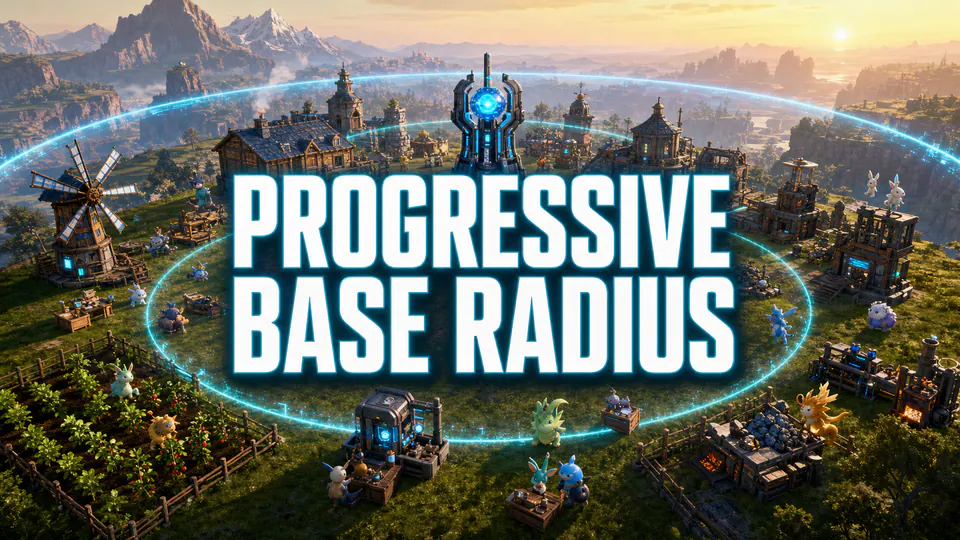
Progressive Base Radius
CheckedStart at the vanilla base size, then expand the radius as the base develops.
PalworldUE4SSServerBuildingGameplay
PalModsSource-checked mod directory
Browse the Palworld mods directory for Palworld 1.0 by category, format and multiplayer side. Every listing keeps its original publisher visible for current files, requirements and multiplayer details.
Start at the vanilla base size, then expand the radius as the base develops.
A standalone server utility for managing automated Palworld workflows.
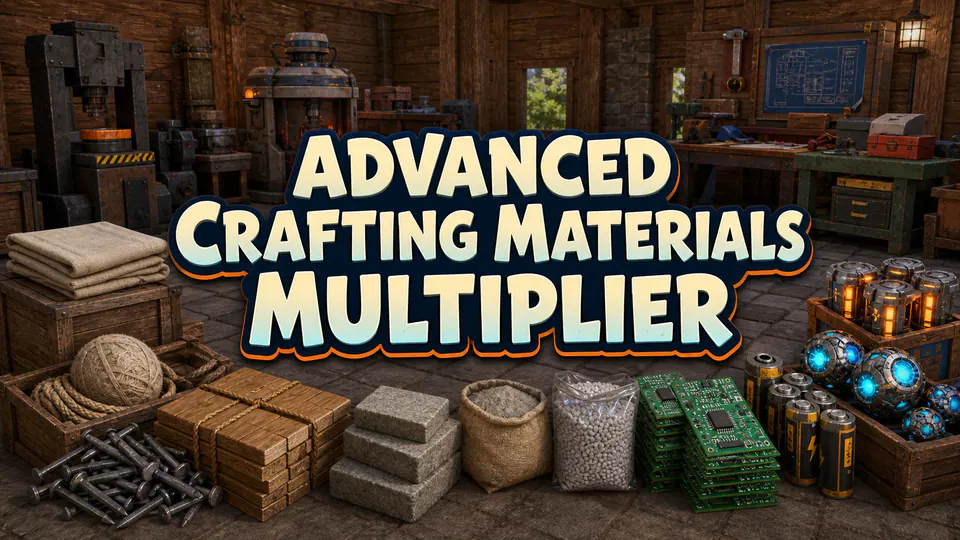
Adjust crafting material output with a PalSchema-based server change.
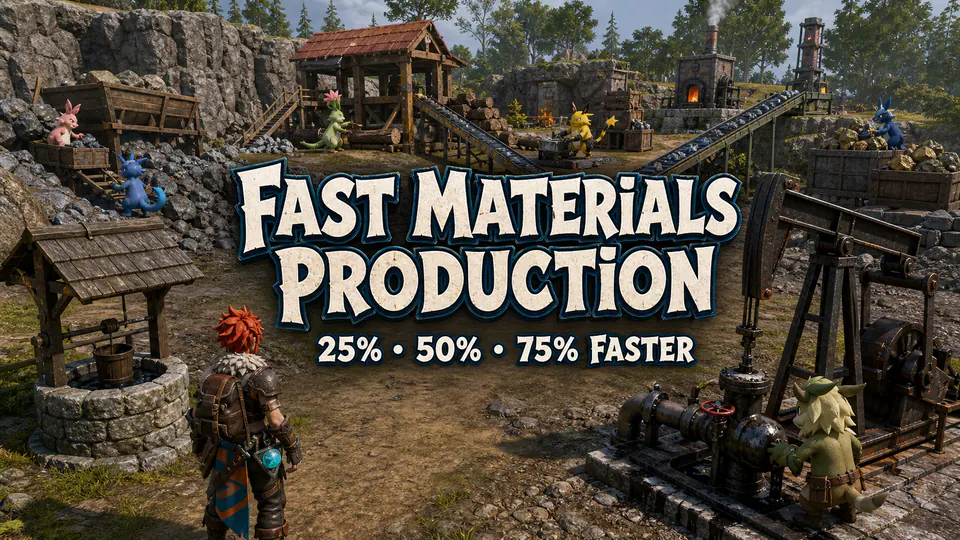
Reduce waiting time for common production tasks at a working base.
Raise Pal work suitability levels for a dramatically faster production setup.
Control Alpha Pal respawn timing for shared or dedicated worlds.

Expand chest and refrigerator storage for high-volume bases.

Change summon behavior for captured Pals with a gameplay-focused package.

Streamline fishing interactions while keeping the core activity available.
Speed up common Pal work cycles for faster base production.

Adjust capture behavior for a more predictable Pal-catching experience.
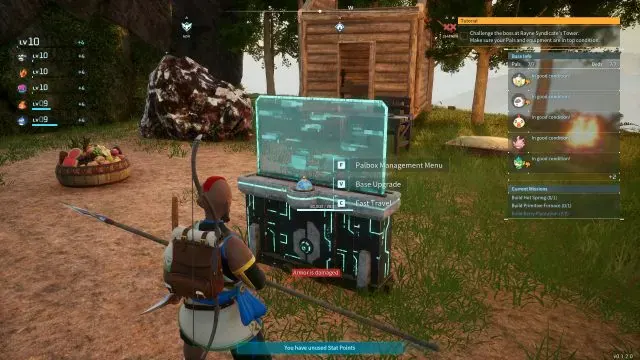
Improve Palbox capacity and management for large collections.

Make travel between unlocked areas more convenient for active worlds.

Reduce hunger management for players who prefer exploration and building.

Ease inventory weight pressure during harvesting, building and travel.

Reduce durability interruptions for frequently used equipment.

Bundle convenience controls for resources and everyday world management.

Remove or reduce stamina limits for uninterrupted movement and climbing.
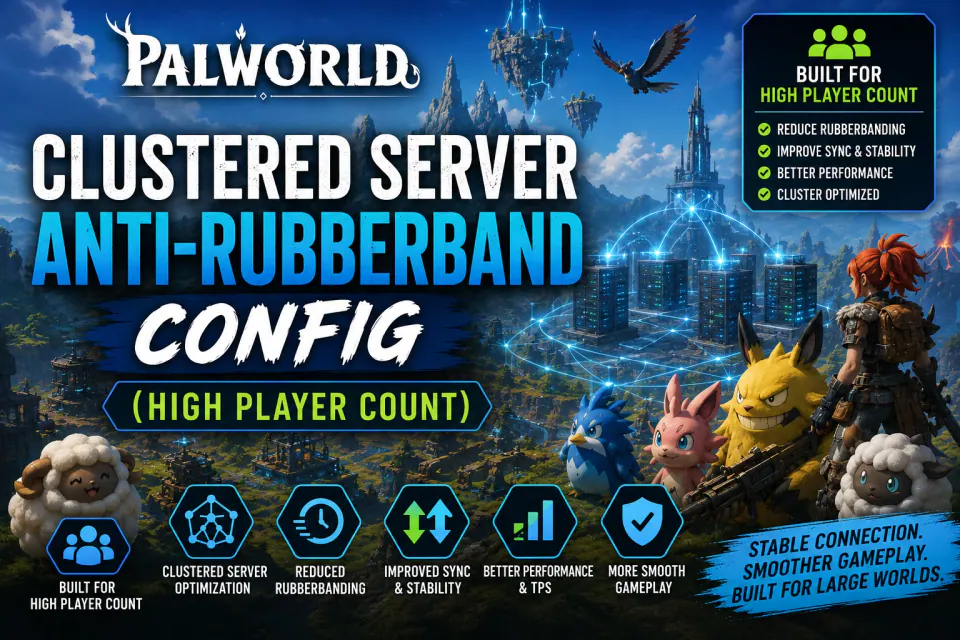
A high-player-count server configuration focused on reducing rubberbanding.

Address frame-rate loss associated with building bases over water.
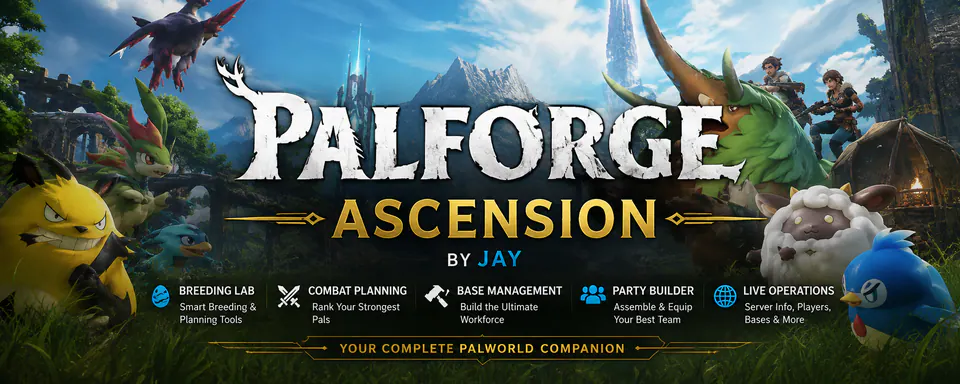
An in-game companion for breeding, Palbox analysis, Paldex intelligence, party building and base planning.
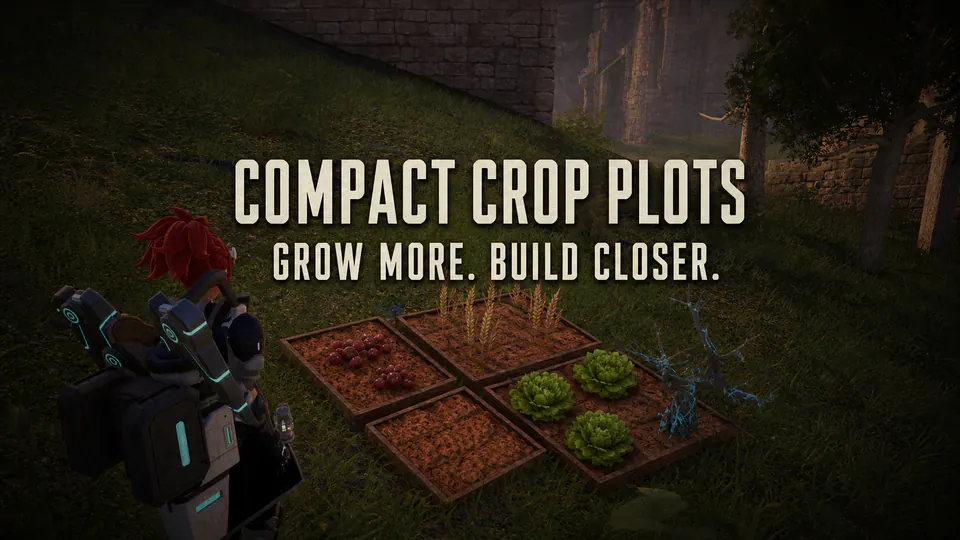
Shrink crop plots and plantations to compact Berry Plot dimensions while preserving recipes, work, growth times and yields.
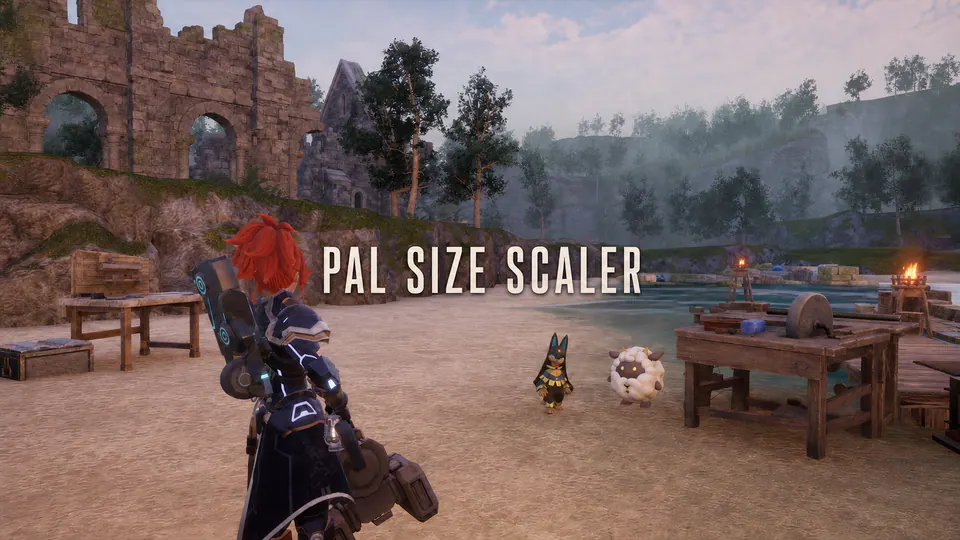
Shrink oversized base Pals, configure party and wild scaling, and set per-species size overrides.
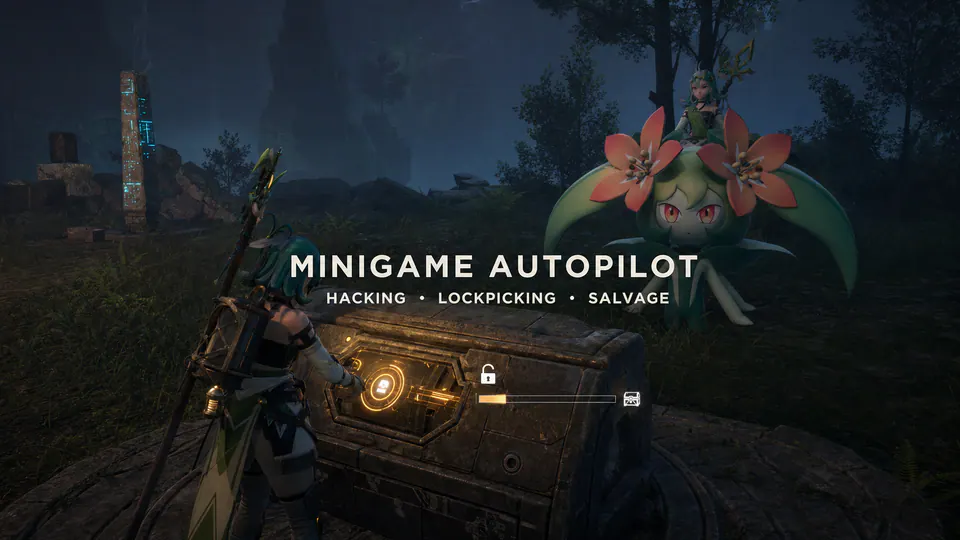
Automatically skip hacking, lockpicking and salvage minigames without replacing game assets or changing normal rewards.

Speed up melting tasks at furnaces with a focused PalSchema change.

Finish expeditions immediately without elemental team requirements.

Make selected high-tier and special passive traits much more likely during breeding.
Automatically pick up breeding eggs and finish incubator hatching.
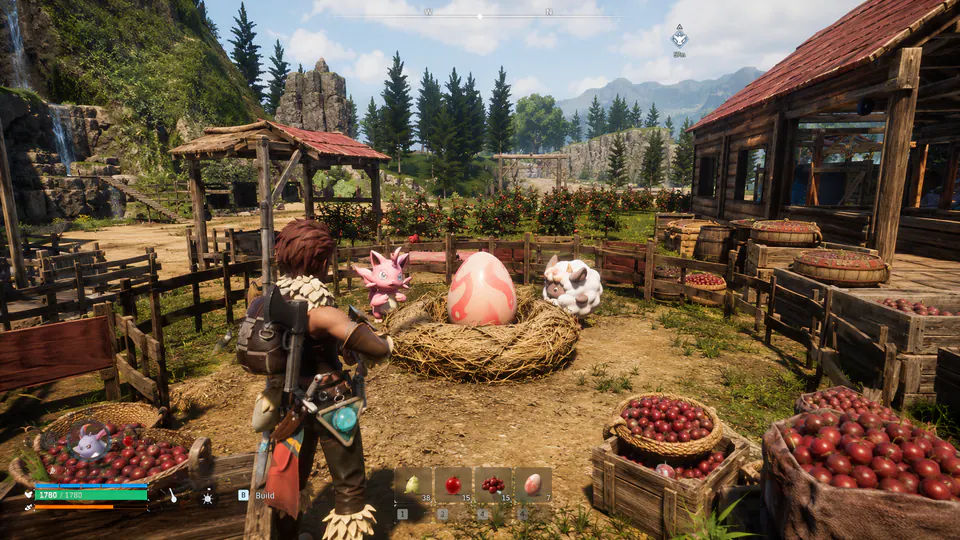
Remove breeding wait time and use red berries instead of cake at the breeding farm.
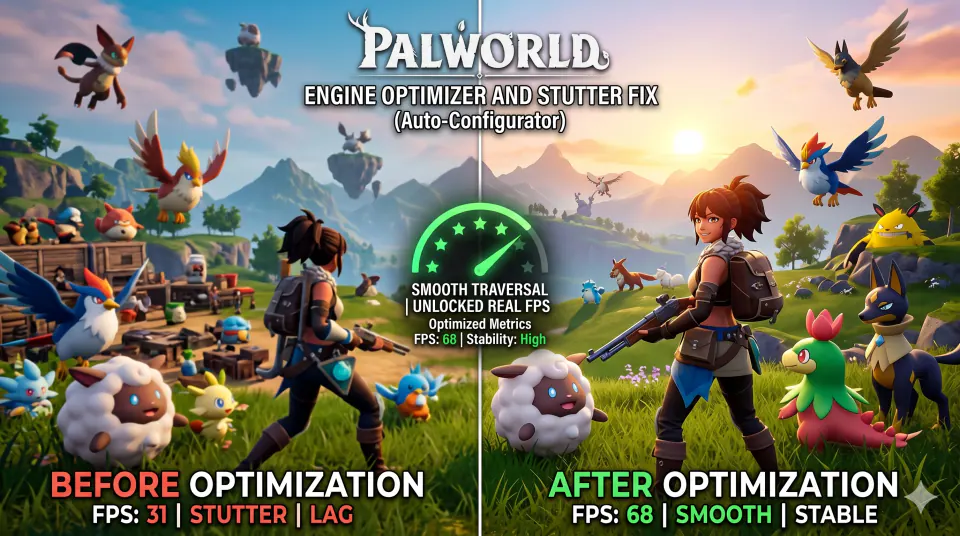
A lightweight Palworld 1.0 configuration focused on traversal stutter, VRAM streaming and image-quality settings.

Optimize volumetric clouds, shadow distances and LOD pooling for better FPS in the new 1.0 areas.
Clear a filter or use a broader name or feature.
How to use the Palworld mods directory
A category is a starting point, not a compatibility promise. Gameplay listings may change stamina, capture, crafting or travel. Building listings focus on bases, storage and production; Pal entries cover suitability, breeding and Palbox data. Server and performance listings describe host rules or stability, while tools support administration and package workflows. Search by the behavior you want, then read the card and original source. A narrow test gives a clearer baseline than a bundle that changes storage, capture rates and recipes together. Wait to install if the publisher's documentation is unclear.
UE4SS, Pak, PalSchema, configuration packages and standalone tools do not share one universal folder. The format points to installation instructions; the side tells you where the process runs. Client means player-side, Server means host-side and Both may require matching files or versions. A server label does not prove clients need nothing. Record the game build, loader, package version, dependencies and destination before copying. The publisher page remains authoritative when a card and archive disagree, especially after a Palworld update.
This directory does not mirror third-party files. Each Get mod action continues to the original publisher flow, and the source stays visible on the card. Open it before downloading to confirm the release, file version, requirements, changelog and license notes. A source-listed badge means the detail was visible on the checked page; it is not an independent file guarantee. Keep the archive name and source URL with your installation record. If a re-upload has a different hash, missing dependency or unusual executable, prefer the original page and report the mismatch.
Before installation, copy the world, player saves and server configuration outside the live game directory. Close Palworld or stop the server, install the publisher's loader, then add one package and its dependencies. Start a disposable world, use the changed feature, save, exit, reload and reconnect one matching client when multiplayer is involved. A clean menu launch is only the first checkpoint; failures can appear during loading, saving or restart. Keep the last known-good files until the test passes. Compare a failed server restart with the latest package and loader change before adding another DLL.
The Palworld 1.0 label narrows the list, but it is not a permanent guarantee. Check current release notes and loader requirements against your Steam or Game Pass install. Steam Workshop, UE4SS, Pak, LogicMods, PalSchema and standalone releases follow different update paths. Do not carry a pre-release loader into a current install because the mod name is familiar. After a patch, launch the unmodified game or server, test the loader alone and restore optional packages one at a time. For a shared world, coordinate the exact package set and keep a rollback copy until players can join and reload the save.
No. Listings link to the original publisher so you can review the current file, requirements and changelog there.
No. The 1.0 label is a source-listed filter. Confirm the exact release, loader and dependencies on the publisher page before installing.
It describes the listed runtime side. Shared gameplay may still require matching client and server files, so follow the author's multiplayer instructions.
Choose UE4SS under Install format, then open the source page for its loader version and exact Steam Win64 or Game Pass WinGDK path.
Test one package and its dependencies at a time, complete a save and reload test, and keep the previous working files until the result is stable.
Use the troubleshooting guide, disable optional packages, verify a clean launch and restore changes one at a time from the last known-good backup.