
Updated October 23, 2026 · verify each original release
Palworld Character Mods: Hair, Armor and Outfit Changes
Palworld character mods can add creator hairstyles, change how armor looks, or replace a player model. Those changes do not share one install method or compatibility promise. Use this guide to compare the result you want, read the original release requirements, and test one change on a backed-up copy before carrying it into a regular world or multiplayer session.
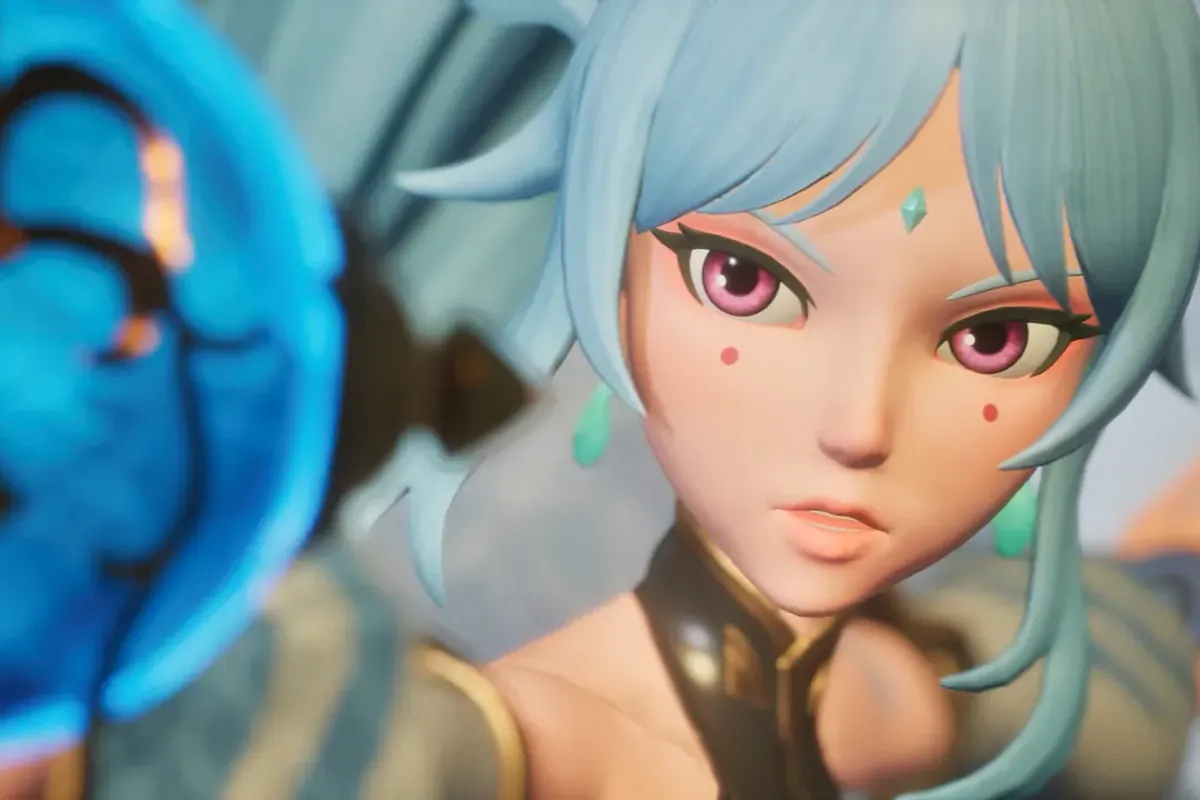
For Palworld character mods, choose the visible result first: an extra hairstyle, an armor or outfit appearance change, a transmog-style display, or a full player-model replacement. Then check the exact platform, file format, dependencies, supported build, and client/server instructions on the original release page. Back up the save, install one package, test character creation and a save reload, and keep a record that makes removal reversible. A listing title or screenshot alone does not prove current compatibility.
Types of Palworld character mods
Appearance projects can alter different player layers. A creator add-on may add a hairstyle; an armor replacer changes a named item's appearance without changing its game behavior; a transmog project may display one look over another item; and a full model replacement can affect the body, rig, animations, or several equipment slots.
Check the author's screenshots, then read what they omit: new versus existing character support, hidden gear, data changes, and required files. A cosmetic label does not answer those questions. If the release page is unclear, pause instead of importing another mod's instructions.
- Hair additions usually expand a creator choice; they do not automatically replace every hairstyle.
- Armor visuals may be tied to one item, a slot, or a complete model. Confirm the exact scope.
- Model swaps can affect animation and clipping as well as appearance.
Creator hairstyles, outfit changes, and model replacements
A creator add-on is the narrowest choice when you want more hair or face options while keeping the player model familiar. Check whether it adds selectable entries, replaces assets, or needs a separate setup. Confirm its loader or schema and whether the author supports new characters, existing saves, or both. A creator option may not appear on every platform or after every update.
For Palworld character mods that replace armor or an outfit, verify the item, slot, body variant, and overlap with other replacements. A full model swap needs broader checks for movement, equipment, menus, and multiplayer views. Search titles can help discovery, but this guide does not certify individual releases whose source details were not verified.
- Choose the smallest change that produces the appearance you want.
- Check whether two packages replace the same hair, body, or equipment asset.
- Treat compatibility with an existing character as a separate requirement from new-character support.
Read a release page before choosing a character mod
When comparing Palworld character mods, open the original author's page and check its files, requirements, changelog, and support notes. Record the named Palworld build, release date, required loader or schema, and exact package. A current author note is stronger evidence than a directory badge or old comment. If the page is silent about a field, leave it unknown instead of borrowing details from a similar package.
Check platform wording: a PC file can depend on a distribution, folder layout, or runtime. An appearance change may be client-only, server-controlled, or require matching files on both sides. Cosmetic intent does not prove multiplayer support. Read permissions before downloading and avoid mirrors that hide the author, license, version, or original file. This guide does not host files or track individual releases.
- Match the exact game platform, current build, file type, and named dependency.
- Read installation and removal notes together; keep the original archive and source URL.
- Check license and redistribution terms instead of assuming an appearance asset may be republished.
Check platform and multiplayer scope separately
Palworld character mods may distinguish a local display change from a shared asset or game-data change. Follow the release's Client, Server, or Both instructions; ask the author if the label conflicts with the steps. Seeing a hairstyle locally does not prove other players can see it or that a dedicated host accepts the files. Treat multiplayer support as a separate requirement.
Verify that your platform allows the stated install method. PC storefronts can use different folders, while console editions do not share a Windows manual-file workflow. Do not translate a Steam path to Game Pass or a rented host by guesswork. If the source omits your platform, treat support as unverified and keep files out of a live installation.
- Check what each player sees, what runs on the host, and whether matching files are required.
- Use the installation path named for your platform, not a path copied from another edition.
- For a server, confirm host upload access and restart procedures before changing a shared world.
Test one appearance change and keep rollback simple
For Palworld character mods, make each test reversible: copy world and player data outside the game directory, close the game, and record the package, source URL, version, dependency, and destination. Install only the named loader or schema and one appearance package. Test a new character or disposable world. Check the intended look, movement, equipment, menus, save, exit, and reload.
For multiplayer, follow the release instructions and use one test client. After a clean server start, check what others can see and complete a save and reconnect before inviting the group. Keep the previous files until the test passes. To roll back, disable the documented package, restore only its recorded files, and verify the backup before replacing a working save.
- Keep the backup separate from the files you are testing.
- Change one package at a time so a conflict has a traceable cause.
- A successful menu launch is not proof that a save reload or multiplayer view works.
Troubleshoot clipping, missing options, and conflicts
Clipping, hair through a hat, or bent animations can indicate an unsupported body, slot, or animation. Compare the exact item and character variant with the author notes before adding another replacement. If a creator option is missing, check the documented folder and required loader; the title alone does not establish existing-character support.
When Palworld character mods fail after an update, stop adding packages. Test the unmodified game, then restore the framework and one appearance package separately. Check the author changelog for your build. If removal changes the character or save, restore the backup instead of repeatedly editing the only copy. Report the platform, build, package version, and repeatable steps.
- Missing menu entries: verify the documented path, dependency, and character-creation scope.
- Clipping or broken movement: check supported gear, body variant, and animation notes.
- Post-update failure: test the base game first, then restore one dependency at a time.
Compare character appearance changes
Use this table to define the result you want before choosing a release. The original author's instructions decide the actual files and support boundary.
| Change type | What it usually changes | What to verify | A good fit when |
|---|---|---|---|
| Creator hairstyle add-on | Adds or exposes hairstyle choices during character creation. | New versus existing character support, menu step, required framework, and current release notes. | You want more hair choices while keeping the rest of the character familiar. |
| Armor or outfit appearance | Replaces the visual asset for named gear, a slot, or a body variant. | The exact item, compatible body, overlap with other replacers, and removal behavior. | You like an equipment-based look and want a narrower change than a full model swap. |
| Transmog-style display | May show one appearance while another item supplies game behavior. | How the selection is stored, whether stats remain unchanged, and multiplayer visibility. | The release clearly supports visual selection independent of the equipped item. |
| Player-model replacement | Can change body, hair, rig, animation, camera framing, or several slots. | Supported platform, model variant, animation notes, dependencies, and shared-world requirements. | You want a broad character redesign and can test a larger set of interactions. |
A reversible character-mod test
Use the same short test record for creator options, outfit replacers, and model swaps. Keep the source page and rollback copy together.
- Choose one visible outcomeWrite down whether you want extra hair, a named gear appearance, transmog behavior, or a complete model replacement.
- Record the source requirementsSave the original release URL, file name, platform, listed game build, dependencies, and author installation notes.
- Back up and close the gameCopy the world and player data outside the game folder, then stop the game or server before changing files.
- Install one packageFollow only the author instructions for your platform and add no second appearance replacer during the first test.
- Check the full resultInspect character creation, equipment, movement, menus, multiplayer visibility when relevant, and a save-and-reload cycle.
- Keep or roll backRecord the working combination or disable the package and restore the known-good copy before resuming normal play.
Palworld character mods FAQ
Can a character creator mod change an existing character?
It depends on the release. Some add options to character creation; others describe a separate way to apply them later. Check the author instructions for existing-save support before installing.
Do armor or outfit mods change item stats?
A visual replacement may only change appearance, but do not infer that from its title. Read the author's description and test the named item; a transmog system can have different behavior.
Will other players see my character appearance mod?
Not necessarily. Check the release's client/server label and multiplayer notes. Test with one matching client and server before using it in a regular shared world.
Can I use character mods on a console?
Do not assume a PC manual-install guide applies to a console. Confirm that the author and platform support the method; console file access is different from a Windows PC workflow.
How do I remove a character appearance mod?
Follow the release's removal steps, disable only the recorded package, and test a backup copy. If the save depends on altered data, restore the known-good backup instead of deleting unrelated game files.
Are these character mods verified for the current Palworld build?
This page does not maintain a live list or certify individual releases. Check the original author's current files and changelog for your exact game platform and build.